
Edit Zero Footage by Using the AI Video Maker for Auto-Scenes

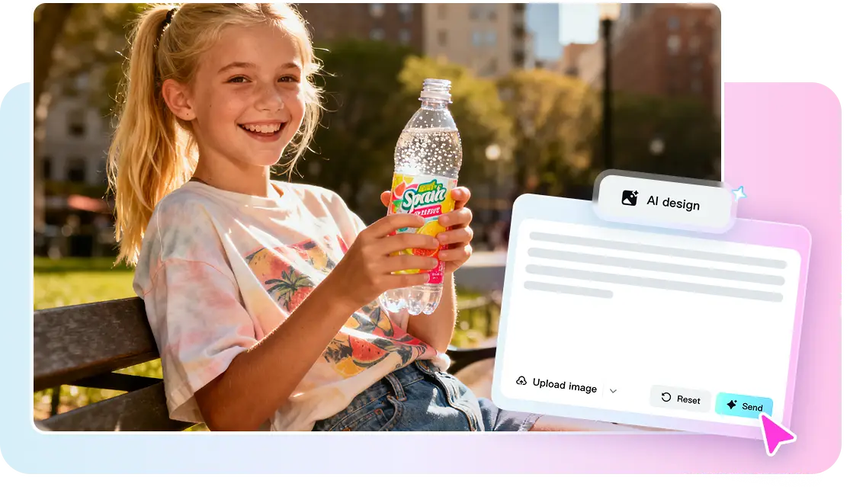
The emergence of zero-footage production is reshaping the way video content is produced. The traditional video production involves the use of cameras, lighting, locations, and hours of shooting. This process tends to slow down the delivery of the content and raise the cost of production. Auto-generated scenes enable the creators to avoid shooting and still generate interesting visuals. Through the use of AI-assisted technology, makers of videos can make ideas come to life just by reading text or a story outline. CapCut is one of the platforms that create professional-quality visuals based on textual input and provide creators with full control over the mood, pacing, and style. Since there is no physical footage required, creators have the opportunity to concentrate on storytelling and idea-building. The video creation is also much faster, cheaper and highly scalable using this approach.
The Auto-Scene Implication in the AI Editing Landscape
Auto-scenes in video editing today are the structure of videos into coherent sequences automatically. The AI goes through your script or text and decides how quick each scene will move, the transitions, and any other major story beats.
- The tool creates images that mirror the story, preserving momentum and rhythm instead of having to shoot the footage manually.
- The use of auto-scenes also provides visual clues that focus the attention on the significant points in the narrative.
- The technology substitutes manual processes of video production, as camera set-ups, location scouting, and reshooting, with smart digital images.
- As a creator who has many projects, this implies that you will be able to generate consistent and high-quality content without having to use physical resources or do a lot of filming.
The Auto-Scene Generator of CapCut
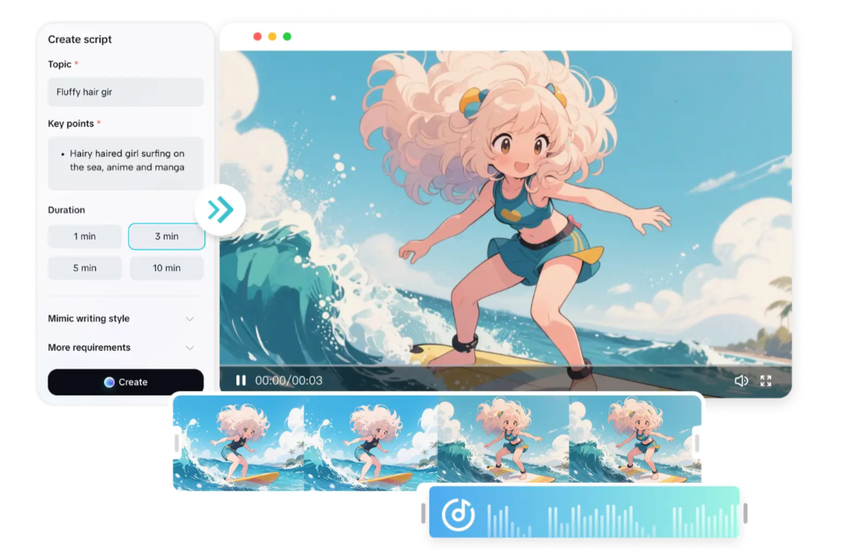
The CapCut eases the process of zero-footage creation with the help of its auto-scene generator. You begin with a script or idea and the platform transforms it into dynamic scenes. In Templates, the style of every scene is dictated and this affects lighting, motion and the visual tone. The generator transforms the images to fit the intended format, whether it is a cinematic sequence or a social media friendly clip. Fine-tuning gives the chance to work with mood, pace, and rhythm, which makes the final video meet the creative objectives. Using AI video maker capabilities, CapCut handles the technical aspects of scene composition, leaving creators free to refine storytelling elements and visual appeal. This is an automated process that saves time and yields professional output.
Development of Zero-Footage Projects in Various Genres
Zero-footage editing can be in various video formats and styles. Education explainers have the advantage of animated graphics, icons, and text overlays that explain complicated issues. Social media storytelling is based on brief, visually stimulating series that attract attention instantly.
Advertisement videos have the ability to integrate product images, graphics and movement to convey convincing messages effectively.
Cameras and actors are not needed even to create concept animation and narrative short films: the AI-generated visuals would depict characters, settings, and actions.
Such tools as CapCut enable experimentation in terms of genres, so it is possible to create any kind of corporate video or a creative personal project.
Auto-scenes are flexible so that you can be guaranteed that the visuals are exactly what you want.
Steps to Edit Zero Footage by Using the AI Video Maker for Auto-Scenes
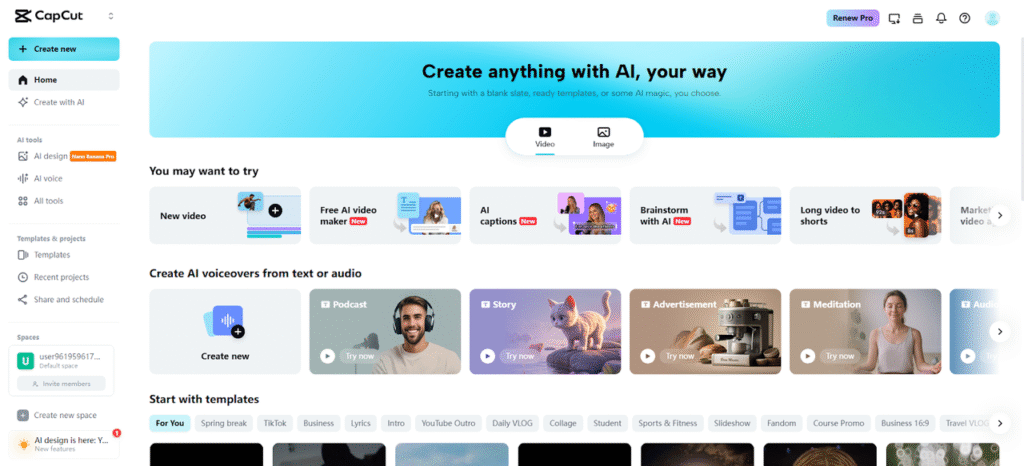
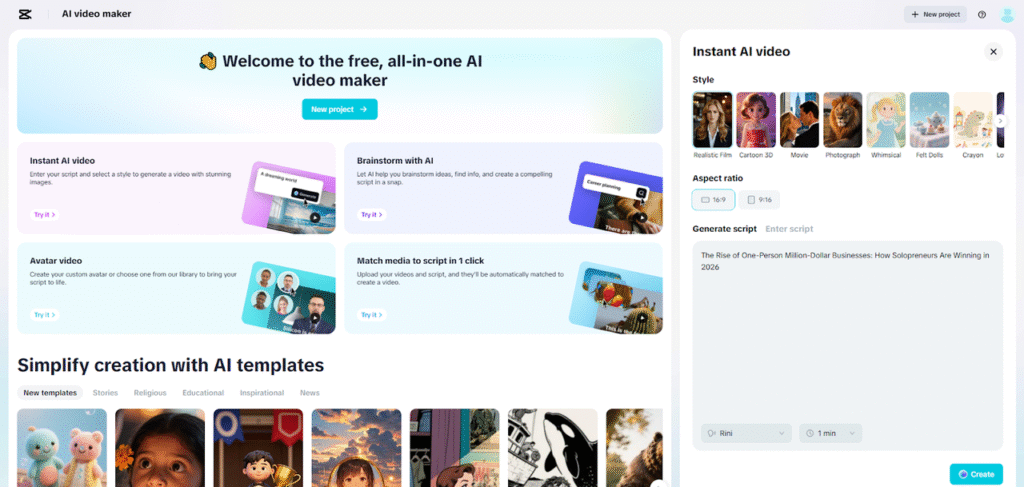
Step 1: Activate the Auto-Scene Generator Start by opening the CapCut online video editor and moving to the main dashboard. Click “Free AI video maker” to instantly access all AI-powered video creation tools. Choose “Instant AI video” to begin creating scenes without uploading any footage.
Step 2: Build Scenes from Text Only Choose the scene style that fits your message. Enter your idea in the “Enter script” box, or use “Generate script” to let the AI writer convert your concept into a structured storyboard outline. Select the aspect ratio, define the storyboard length, and choose the narration tone. Click “Create” to generate a full storyboard with automated visuals.
Step 3: Final Touches and One-Click Export Click “Create” to finalize your auto-generated scenes. Use the “Music” panel to add a recommended track from CapCut’s library. Head to “Elements” to select a caption template that fits the scene flow.
After captions are ready, click “Export” to set your resolution, format, and frame rate, then click “Export” again to save the finished video to your device.
Improving Auto-Scenes by AI
CapCut provides more AI options to expand zero-footage projects. The inclusion of avatars can help make characters or narrators alive, which makes content interactive and engaging. Templates enable you to remodel and refine the story without having to re-create the project. By incorporating AI voiceovers, the narration will be time and tone consistent with each scene and emphasis. These features open up the world of creativity, enabling you to create visually refined videos within a short time. In the case of more sophisticated projects, it is possible to mix avatars, voiceovers, and a visual template to create a complete production, without a camera or a studio.
Imaginative Possibilities of Zero-Footage Editing
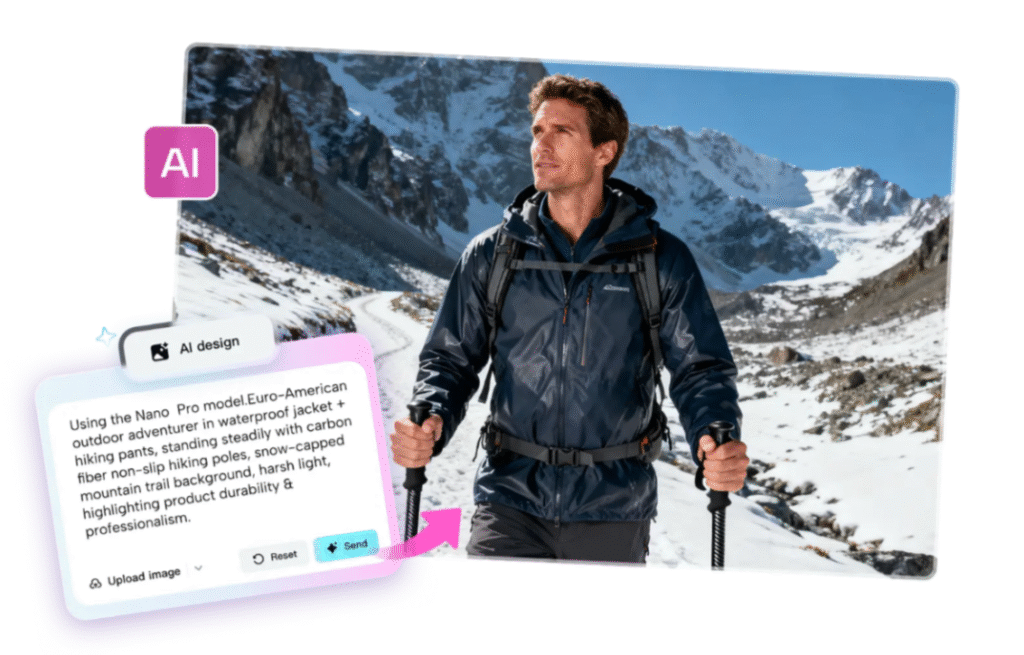
Zero-footage editing opens the door to new creative possibilities to content creators. It becomes efficient and fast in batch-producing videos, allowing testing of many ideas simultaneously. Ai-generated imagery can represent abstract ideas that could either be impossible or expensive to capture with traditional filming methods. Ideas can be tried quickly, which assist creators in measuring the interest of the audience before investing in full-scale production. Such tools as CapCut offer storyboarding, visual planning, and scene pacing to make each video coherent and effective. This process promotes innovation and gives room to experimentation in style, tone and format. Using tools like Nano Banana Pro can complement zero-footage creation for specialized motion graphics or animation effects.
Best Practices of High-Impact Zero-Footage Videos
It is crucial to write scene-friendly scripts; concise and straightforward sentences are the best to match AI-generated images. The density and the pacing of the visuals allow the viewers to be entertained but not overwhelmed. Maintaining clean designs and following platform-ready formats enhance sharing on social media. The right aspect ratios, transitions, and visual cues are important choices that increase storytelling. A frequent examination of the auto-generated scenes enables the optimization of timing, effects, and plot. A script level plan maximizes the influence of AI-generated auto-scenes, and the end result is a product that conveys the desired message.
Conclusion
Zero-footage video production has never been so accessible, faster, and cheaper with the help of auto-scenes. CapCut allows creators to concentrate on telling stories by automating scene creation, pacing and transitions. The platform has a wide range of genres, including social media videos and educational videos, and enables high-quality output without the use of cameras. The AI avatars, voiceovers, and templates used in enhancing projects will deliver professional results. Innovative experimentation is simplified, and content creation of batches is scaled effectively. The study of zero-footage transformations will enable creators to create an aesthetically-appealing video through a basic script. The tools of CapCut show that there is no longer a necessity to shoot a video, and the possibilities of creation and narration are limitless.